Welcome to your little internet corner.
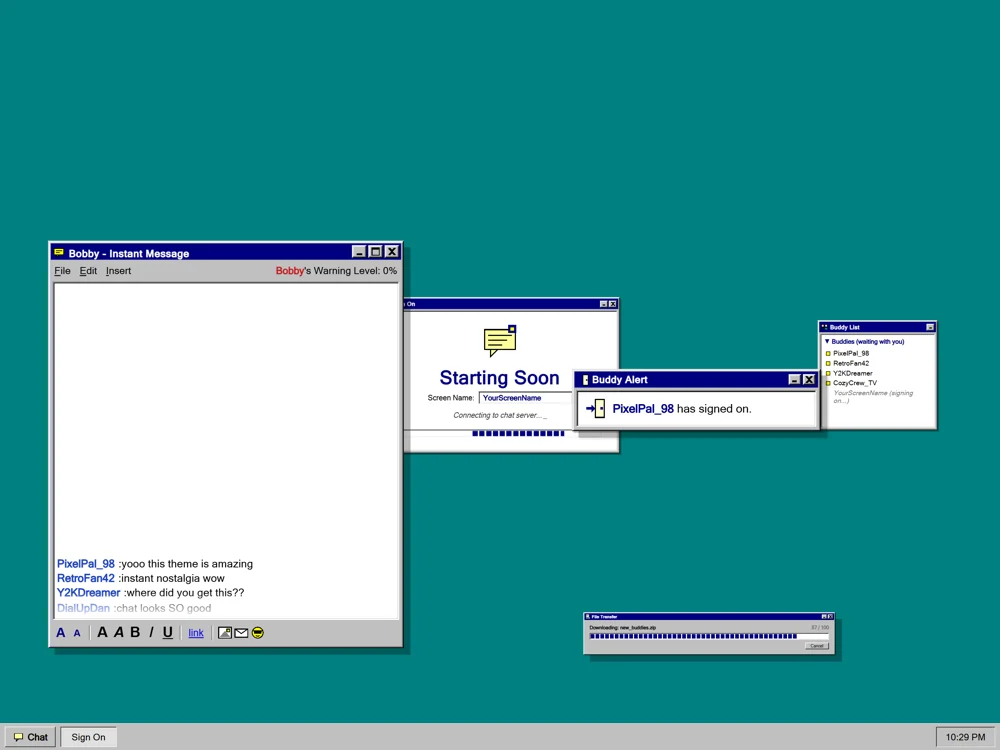
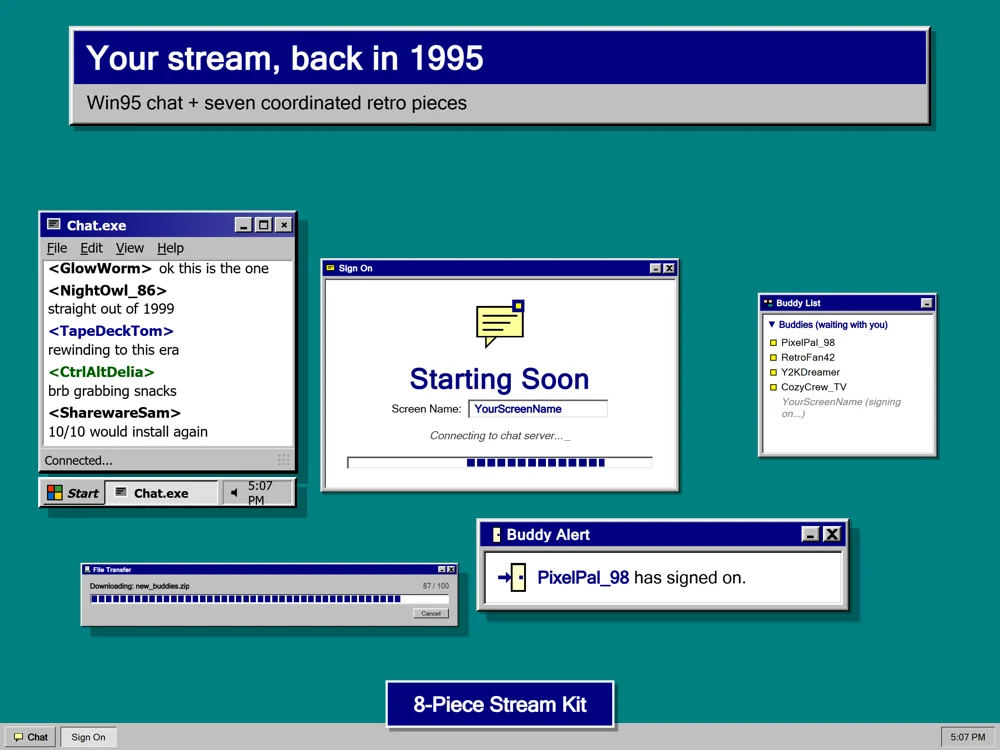
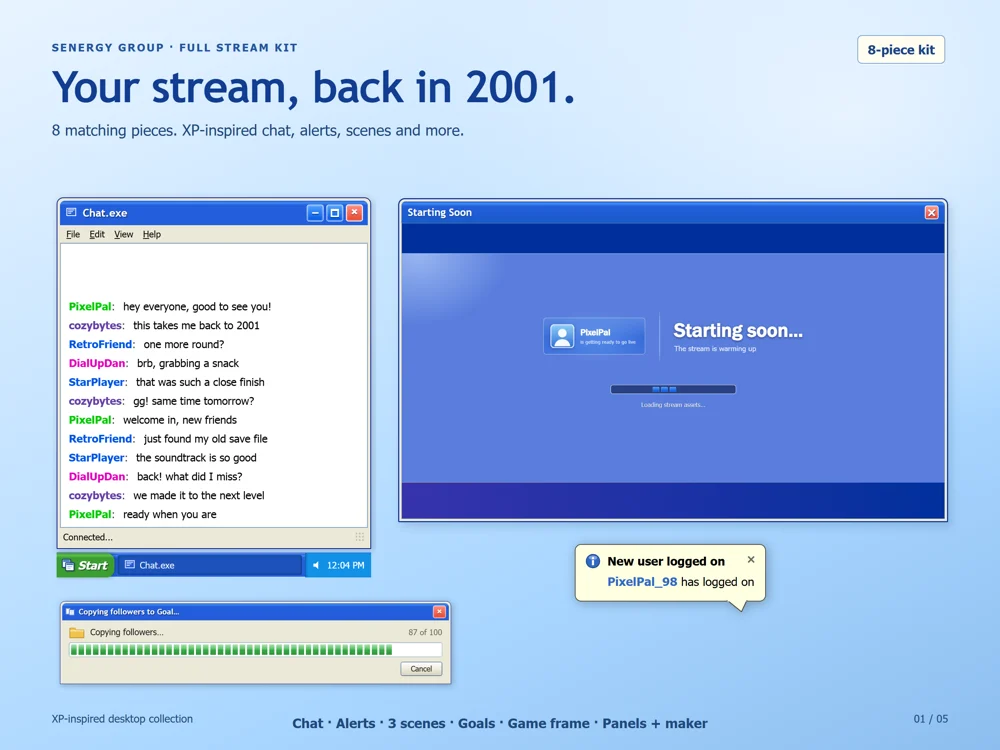
SenergyGroup makes nostalgic stream widgets and matching kits. This desktop is your way in.
Things you can click
- Stream Looks: find a theme, then explore the pieces.
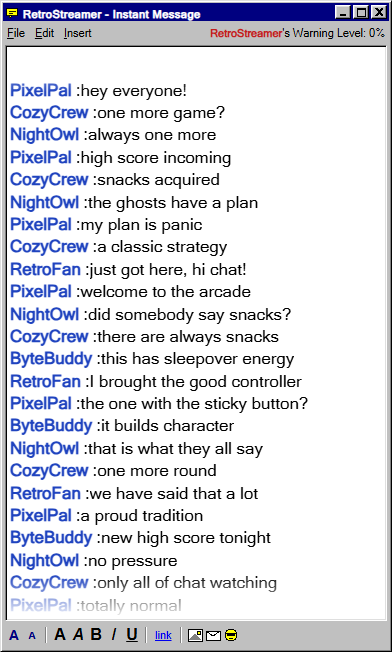
- Stream Preview: compare before, chat, alerts, goal and full kit. Fire events and try the scene screens.
- Widget Store: browse the existing catalog.
- Panel Maker: make matching panels with your own text.
- Display: pick a desktop color or try a chime.
Window survival guide
Click or tap a desktop icon once to open it. Hold briefly to pick it up, then drag and release to rearrange it. Icons snap to the nearest open grid space, so nothing overlaps. A quick drag works too. This works on phones and computers. Alt + arrow keys move a focused icon. Drag the title bar to move a window. Drag its bottom-right corner to resize. The _ button minimizes; its taskbar button brings it back. Double-click the title bar to maximize.
Keyboard: Tab to a title bar or resize grip and use arrow keys. Escape closes the active window or Start menu. Tab selectors support arrow keys.
On a small screen, windows fill the available space. Use Start or the taskbar to switch apps.
Purchases happen on Etsy. The shop, free-widget flow and custom-order form are the existing tools, opened inside desktop windows.
Need help? info@senergygroup.org