stream_panels.exe_□✕

A little retro for your About section

Stream Panels

Give your Twitch channel a matching set of panels. Pick your style, make it yours in the Panel Maker, and download your finished PNGs.

About · Schedule · Rules · Socials · Support & more

3 panel styles available

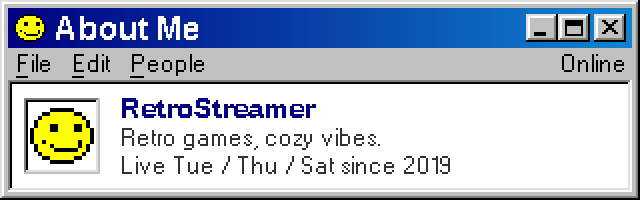
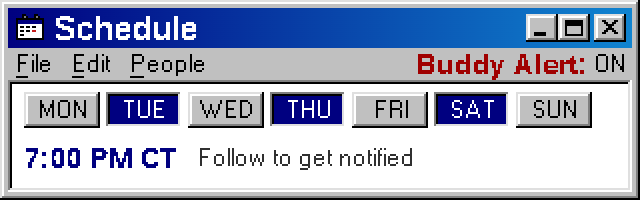
Retro Messenger About panel preview Retro Messenger Schedule panel preview

Retro Messenger

Buddy-list nostalgia for your channel. Classic gray windows, blue title bars, and playful messenger details.

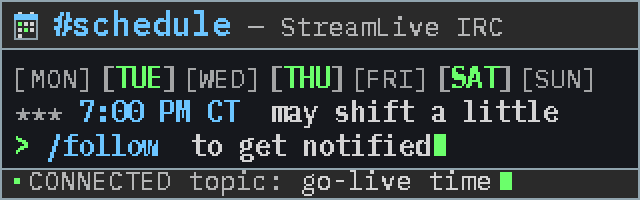
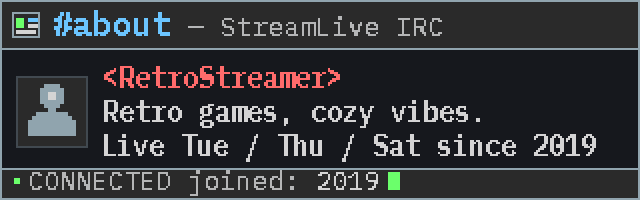
IRC Minimal About panel preview IRC Minimal Schedule panel preview

IRC Minimal

Make your channel feel like your favorite chat room. Dark terminal windows, pixel text, and colorful IRC accents.

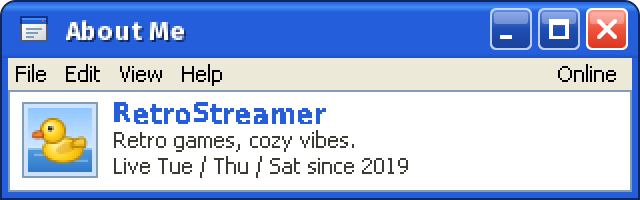
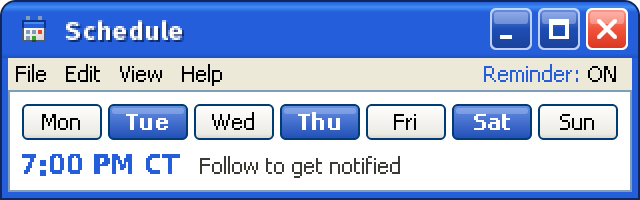
Windows XP About panel preview Windows XP Schedule panel preview

Windows XP

Bring the blue desktop era to your stream. Rounded Luna windows, familiar icons, and bright XP colors.

make_it_yours.txt_□✕

From preview to your channel

  1. Choose a style. Open a Panel Maker and pick the panels you need.
  2. Add your personality. Edit the text, colors, and details with a live preview.
  3. Download and upload. Save your PNGs, then add them to your Twitch About section.
complete_your_stream.dir_□✕

Bring the look on stream.

Explore ready-made stream kits with coordinated chat, alerts, scenes, and more.
Browse Stream Kits →